
Tools Every Modern Business Should Know About in 2026
Every growing business eventually hits the same wall: too many tools, too little time, and no single source of truth.
Marketing lives in one app, contracts get buried in email threads, calls go untracked, and content creation slows everything down instead of speeding it up. The businesses that break through this wall aren’t the ones piling on more software, they’re the ones choosing the right tools and actually mastering them. In this guide, we’re breaking down a handful of platforms that have quietly become category leaders, each solving a real, painful problem for modern teams. Along the way, you’ll find the pro tips and expert moves that separate the teams who just use a tool from the teams who get everything out of it. Whether you’re closing deals faster, capturing more leads, or simply trying to stop losing customers to a missed call, there’s something here worth stealing for your own workflow.
1. Flipsnack: Turn Static PDFs into Interactive, Trackable Publications
Source: Flipsnack
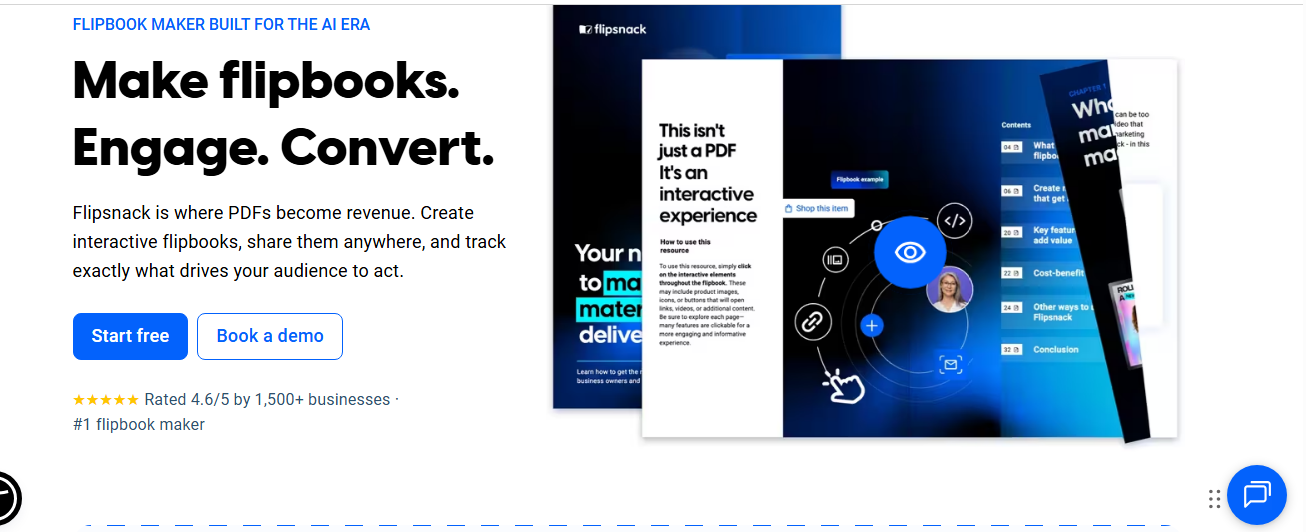
What it is: Flipsnack is an online flipbook maker that converts static PDFs into interactive, page-flipping digital publications, catalogs, brochures, magazines, and reports that readers can browse like a real book, complete with clickable links, videos, and shoppable hotspots.
Why It Matters
Most businesses still send flat PDFs that readers skim once and forget. Flipsnack replaces that dead-end experience with something measurable and interactive. You can add lead-capture forms directly into a page, embed product links that sync with your inventory, and track exactly which pages hold attention and which get skipped.
Standout Features
- PDF-to-flipbook conversion in under a minute, or design from scratch in the built-in Design Studio
- Brand control lock fonts, colors, and logos across every publication your team creates
- Interactivity videos, hotspots, slideshows, and a shopping-list feature for product catalogs
- Analytics page-level engagement data, plus Google Analytics (GA4) integration
- Security options password protection, single sign-on, one-time passwords, and unlisted links for sensitive documents
Pro Tips
- Repurpose old PDFs first. Before designing anything new, upload your most-downloaded existing PDF (annual report, catalog, onboarding guide). You will often see an immediate engagement lift just from the interactive format alone.
- Use the Catalog Generator if you sell physical products. Feeding it structured product data saves hours compared with manually laying out every SKU.
- Put your call to action above the fold of page one. Flipsnack’s analytics consistently show the highest engagement in the first ten to fifteen seconds, so do not bury your lead form on page twelve.
- Sync leads to your CRM via Zapier so a flipbook form submission automatically becomes a tracked opportunity instead of sitting unread in an inbox.
Best for: Marketing teams, sales reps, HR departments, and educators who need polished, trackable digital documents without hiring a designer for every update.
2. Vendasta: An AI Workforce for Agencies Serving Local Businesses
Source: Vendasta
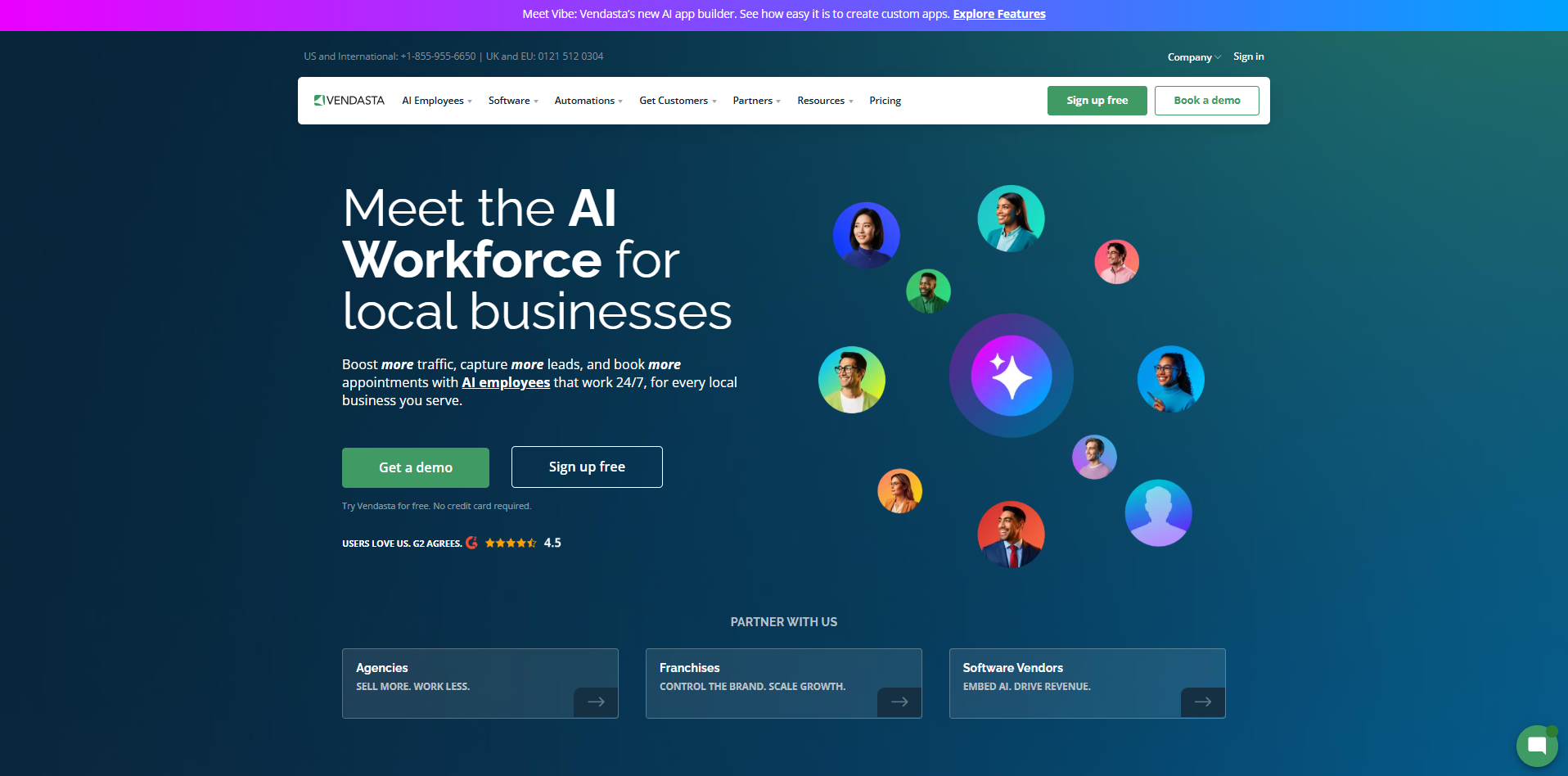
What it is: Vendasta is an all-in-one AI customer acquisition and engagement platform built for digital agencies, franchises, and software vendors that manage marketing, sales, and operations on behalf of local businesses.
Why It Matters
Agencies typically stitch together five or six separate tools to serve a single client, a CRM here, a review tool there, a separate dashboard for the client to log into. Vendasta consolidates all of it and layers AI employees on top so agencies can deliver more without hiring more.
Standout Features
- AI Employees an AI Receptionist that answers calls and books appointments around the clock, an AI Reputation Specialist that manages reviews automatically, an AI Sales Assistant that transcribes and summarizes meetings, and more
- Built-in CRM (CRM AI) that centralizes calls, texts, emails, and social messages into one pipeline
- Business App a branded client portal that shows results and keeps churn low
- Marketplace of rebrandable products agencies can resell under their own name
- Deep integrations with QuickBooks, HubSpot, Shopify, Google Business Profile, and dozens of other tools
Pro Tips
- Deploy the AI Receptionist first. It is the fastest path to a visible win for a new client. Most agencies report it as the feature that most reliably proves return on investment in the first month.
- Use the Snapshot Report as a sales tool, not just a diagnostic. Running it on a prospect’s business before a pitch call instantly surfaces gaps in their SEO, reviews, and listings, turning a cold pitch into a data-backed conversation.
- Package the Business App as your retention lever, not just a reporting dashboard. Agencies whose clients log in weekly tend to see meaningfully lower churn than agencies that only send monthly PDF reports.
- Do not launch every AI employee at once. Start with one, usually the Receptionist or Reputation Specialist, prove the value, then expand. Client trust builds faster with a focused rollout.
Best for: Digital agencies, franchisors, managed service providers, and resellers looking to scale fulfillment without scaling headcount.
3. Visme: AI-Powered Visual Content at Scale
Source: Visme
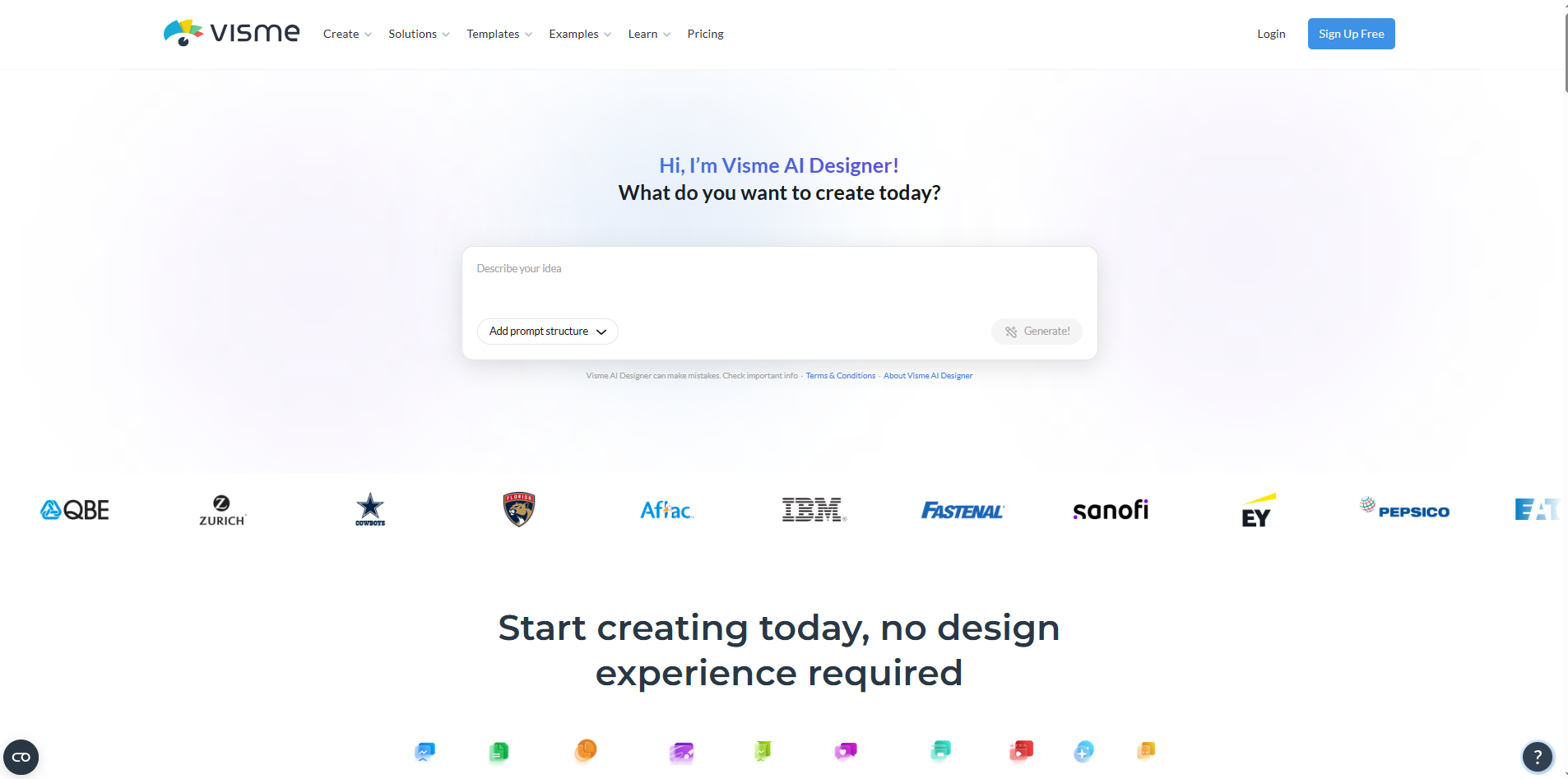
What it is: Visme is an AI-powered visual content platform for creating presentations, infographics, documents, reports, charts, videos, and social graphics, all in one workspace, without needing design experience.
Why It Matters
Brand consistency usually breaks down the moment content creation gets decentralized, with every department ending up with its own fonts, colors, and slide styles. Visme solves this with a Brand Kit that locks visual identity across every asset, plus an AI Designer that turns a prompt into a ready-to-use design in seconds.
Standout Features
- Visme AI Designer generates a complete draft design from a simple text prompt
- Brand Wizard pulls your fonts, colors, and logo directly from your website URL
- Data visualization tools turn spreadsheets into interactive charts and graphs
- Interactivity hotspots, hover effects, and clickable menus for engagement-driven content
- Content calendar plan, schedule, and publish social content from one place
- Team collaboration real-time commenting, asset management, and admin controls
Pro Tips
- Run the Brand Wizard before anything else. It takes minutes and instantly locks your visual identity for every team member, eliminating the most common source of off-brand content.
- Use AI Designer for the first draft, not the final product. It is fastest for structure and layout; polish such as spacing, copy tone, and imagery is still worth a human pass.
- Build one master template per content type (proposal, report, one-pager) and lock it in the Brand Kit. This turns a two-hour design task into a fifteen-minute fill-in-the-blanks exercise for anyone on the team.
- Pair data visualization with your CRM exports. Pulling raw pipeline or campaign data into Visme’s chart tools produces client-ready reports far faster than formatting the same data in a spreadsheet.
Best for: Marketing teams, sales reps building pitch decks, HR teams designing training material, and any business that produces client-facing content regularly.
4. Oneflow: Contracts That Work as Data, Not Just Documents
Source: Oneflow
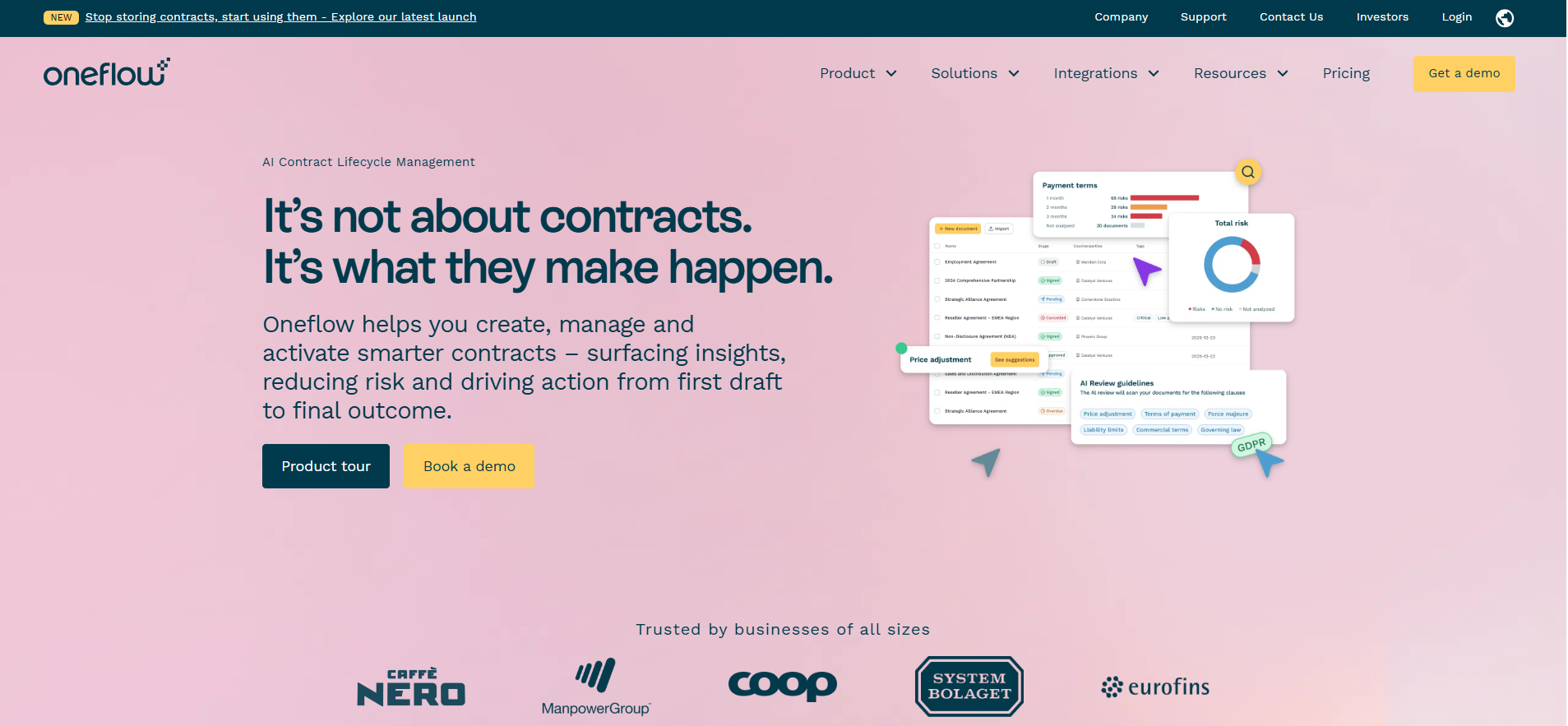
What it is: Oneflow is a Contract Lifecycle Management platform that turns static contracts into structured, searchable data, giving visibility into obligations, renewals, risks, and revenue instead of letting agreements sit as dead PDFs in a folder.
Why It Matters
Most businesses manage contracts by storing signed PDFs somewhere and hoping someone remembers the renewal date. Oneflow flips that model: every contract turns to structured, live data that can trigger workflows, feed dashboards, and sync with a CRM.
Standout Features
- Searchable repository of every contract, clause, and obligation
- Automated workflows and compliance checks triggered directly by contract data
- HTML-based contracts that can be edited in place during negotiation, without re-uploading a new version for every change
- AI-driven insights, summaries and data extraction
- Compliance built in: GDPR- and eIDAS-compliant, ISO-certified
- Bi-directional CRM integrations Salesforce, HubSpot, Microsoft Dynamics 365, and Pipedrive
Pro Tips
- Connect Oneflow to your CRM before anything else. Creating contracts directly from the opportunity record, with contract status and data flowing back automatically, is where most teams see the fastest time savings.
- Use live HTML editing during negotiation. Unlike PDF-based e-signature tools, you can make a change and keep negotiating in the same document, with no re-uploading and no confusion over which version was signed.
- Set obligation and renewal alerts on day one, even for existing contracts you migrate in. The value of a contract management platform compounds the earlier you start tracking dates rather than after a renewal window has already been missed.
- Standardize your templates early. A clause library and pre-approved templates cut legal review time dramatically compared with freeform drafting for every new deal.
Best for: Teams and companies that need contracts to actively drive workflows rather than simply get signed and archived.
5. CloudTalk: AI-Powered Business Calling That Never Misses a Ring
Source: Cloudtalk
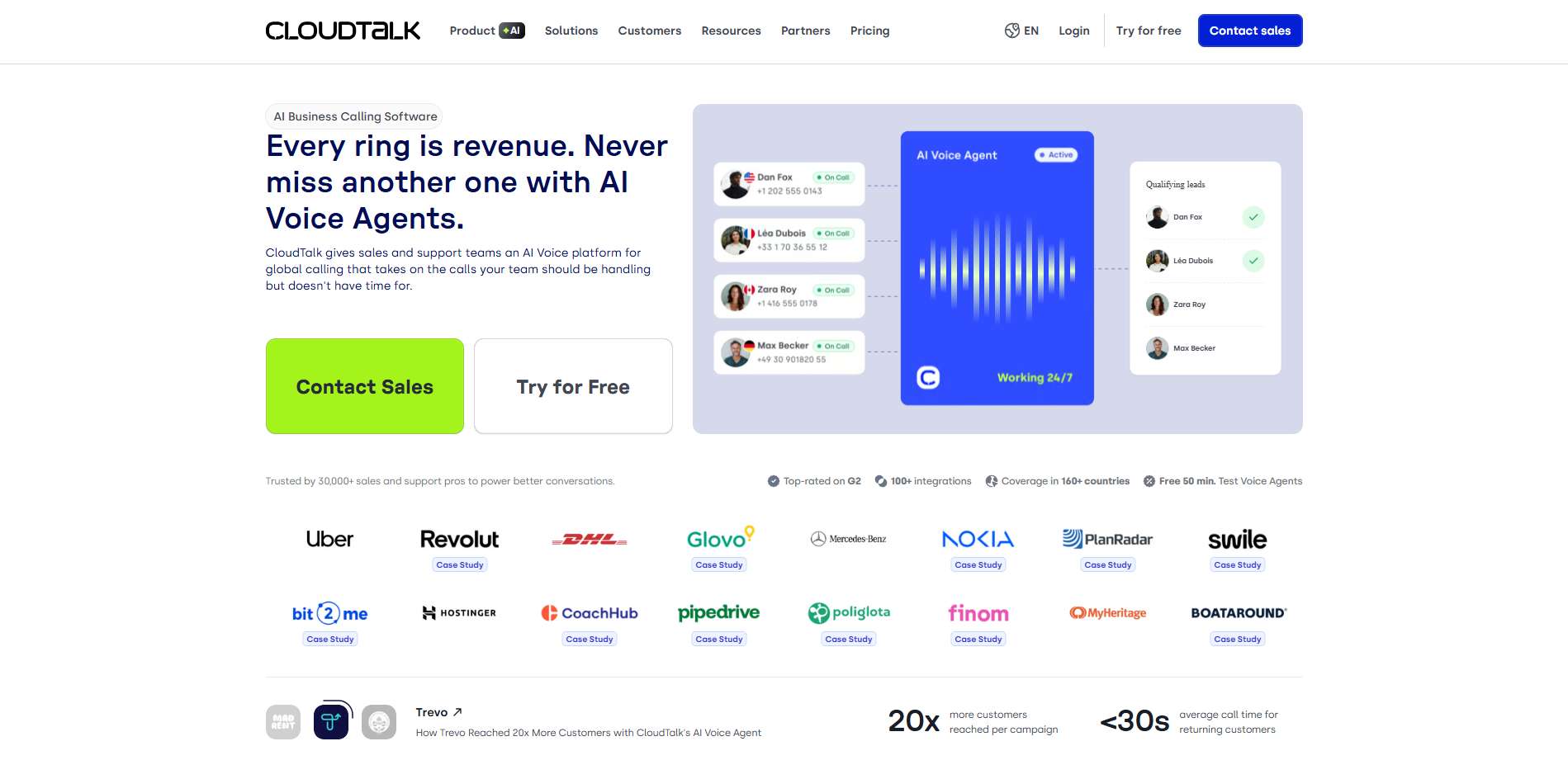
What it is: CloudTalk is a cloud-based business phone and AI voice platform built for sales and support teams, combining global calling infrastructure with AI Voice Agents that can handle calls a human team does not have time for.
Why It Matters
A missed call is a missed opportunity, and most small and mid-sized teams simply cannot staff coverage for every hour, region, and call type. CloudTalk closes that gap with AI Voice Agents that qualify leads, book appointments, and handle after-hours calls automatically, while giving live agents the dialing tools to work through lists faster.
Standout Features
- AI Voice Agents automated callers for lead qualification, appointment scheduling, and payment reminders, available around the clock
- AI Sales Dialer preview, power, and parallel dialing modes, including dialing up to ten lines at once
- Global infrastructure local numbers in more than 160 countries, with 99.999% uptime
- AI Conversation Intelligence call summaries, sentiment analysis, call scoring, and topic extraction
- Live coaching tools listen in, whisper guidance, or join a live call directly
- 100+ integrations including HubSpot, Salesforce, Pipedrive, and Zendesk
Pro Tips
- Start your AI Voice Agent with a narrow, well-defined job (for example, after-hours lead qualification only) rather than replacing your entire intake process on day one. A narrow scope means faster tuning and higher accuracy.
- Use parallel dialing for cold outbound and power dialing for warm follow-ups. Parallel mode connects reps only to answered calls, maximizing live conversations per hour, while power mode keeps pacing predictable for lists where most contacts are expected to pick up.
- Turn on answering machine detection before scaling outbound volume. It is a small setting that meaningfully cuts wasted rep time on voicemail.
- Review AI-generated call summaries as a team every week, not just individually. Patterns in sentiment and topic extraction across the whole team often reveal script or objection-handling gaps faster than manual call review.
Best for: Outbound sales teams, inbound support desks, and any business with call volume that outpaces available staff hours.
6. HubSpot: The Agentic Customer Platform Behind the CRM
Source: Hubspot
What it is: HubSpot is an agentic customer platform that unifies marketing, sales, and customer service software around a single Smart CRM, so every team works from the same customer data instead of siloed tools.
Why It Matters
Growth usually breaks down at the handoffs: marketing generates a lead, sales loses context switching CRMs, and support has no visibility into what was promised. HubSpot’s single-CRM architecture means every Hub, whether Marketing, Sales, Service, Content, Data, or Revenue, reads from and writes to the same customer record.
Standout Features
- Smart CRM the single source of truth connecting every team’s data
- Marketing, Sales, Service, Content, Data, and Revenue Hubs, full-stack coverage from lead generation to billing
- Agent Hub AI agents including a Customer Agent that resolves more than 65% of inquiries automatically, a Prospecting Agent, and a Data Agent
- 2,000+ integrations Gmail, Shopify, Slack, Zapier, and more
- Free CRM and Small Business Bundle for teams just getting started
- AEO (Beta) tools to track and improve brand visibility in AI search results
Pro Tips
- Get your data model right before automating anything. HubSpot’s automation and AI agents are only as good as the CRM properties and lifecycle stages underneath them, so clean data comes first and workflows come second.
- Deploy the Customer Agent on your highest-volume, lowest-complexity ticket type first (password resets, order status, simple FAQs) to build trust in the automation before expanding its scope.
- Use the free tier deliberately, not as a placeholder. Many teams outgrow the free CRM’s limits before they need a paid Hub, so know which specific bottleneck, such as reporting depth, automation volume, or seats, actually triggers your upgrade.
- Audit your integrations every quarter. With more than 2,000 available, it is easy to accumulate connected apps that duplicate functionality already inside a Hub you are paying for. Trimming this regularly keeps your tech stack, and your bill, lean.
Best for: Growing businesses that want marketing, sales, and service on one platform instead of stitching together point solutions, from startups on the free CRM to enterprises running the full Hub suite.
Bringing It All Together: How These Tools Complement Each Other
None of these platforms exist in isolation, and the real leverage comes from connecting them:
- Flipsnack with HubSpot or Oneflow: Capture leads inside an interactive catalog or proposal, then feed them straight into your CRM, or turn an accepted proposal into a live contract.
- Vendasta with CloudTalk: Vendasta’s AI Receptionist and CloudTalk’s AI Voice Agents solve a similar problem from two angles. Agencies serving small, single-location businesses often lean on Vendasta’s bundled approach, while sales and support teams with higher call volume benefit from CloudTalk’s dedicated dialing infrastructure.
- Visme with Flipsnack: Design a report or proposal in Visme, then publish it as an interactive, trackable flipbook in Flipsnack for external distribution.
- Oneflow with HubSpot: Quote, negotiate, and sign contracts directly from the HubSpot deal record, with signed contract data flowing back into the CRM automatically.
- CloudTalk with HubSpot: Every call, whether handled by a human or an AI agent, logs automatically to the contact record, so sales and support always have full context.
The businesses that get the most value from tools like these are not the ones buying every feature on day one. They are the ones that pick the single highest-friction problem, solve it well with the right tool, and only then expand. Start narrow, prove the win, and let the stack grow from there.
